Gemini AI in Unreal Engine with a Single Blueprint Node!
We are thrilled to announce the official release of HttpGemini, a new plugin for Unreal Engine 5.5 and 5.6 that provides a simple, efficient, and powerful way to integrate Google's Gemini AI directly into your projects.

We are thrilled to announce the official release of HttpGemini, a new plugin for Unreal Engine 5.5 and 5.6. This plugin provides a simple, efficient, and powerful way to integrate Google’s Gemini AI directly into your projects.
Why We Built HttpGemini
Integrating AI APIs into game development can be a complex and time-consuming process, often requiring extensive C++ coding. Our goal was to eliminate this complexity entirely. We wanted a tool that would empower developers to leverage the capabilities of generative AI without ever leaving the Blueprint editor.
The Solution: Ultimate Simplicity
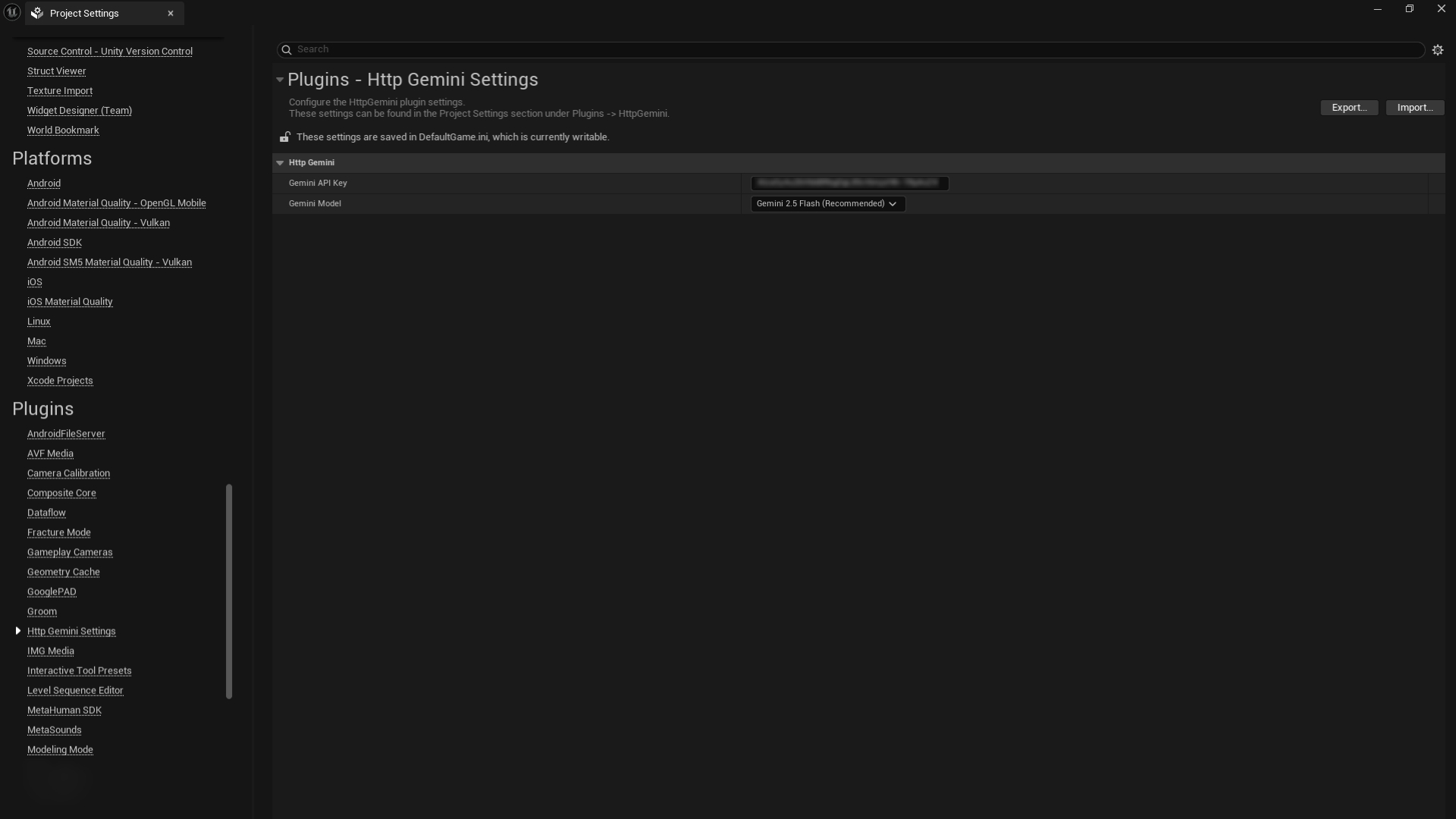
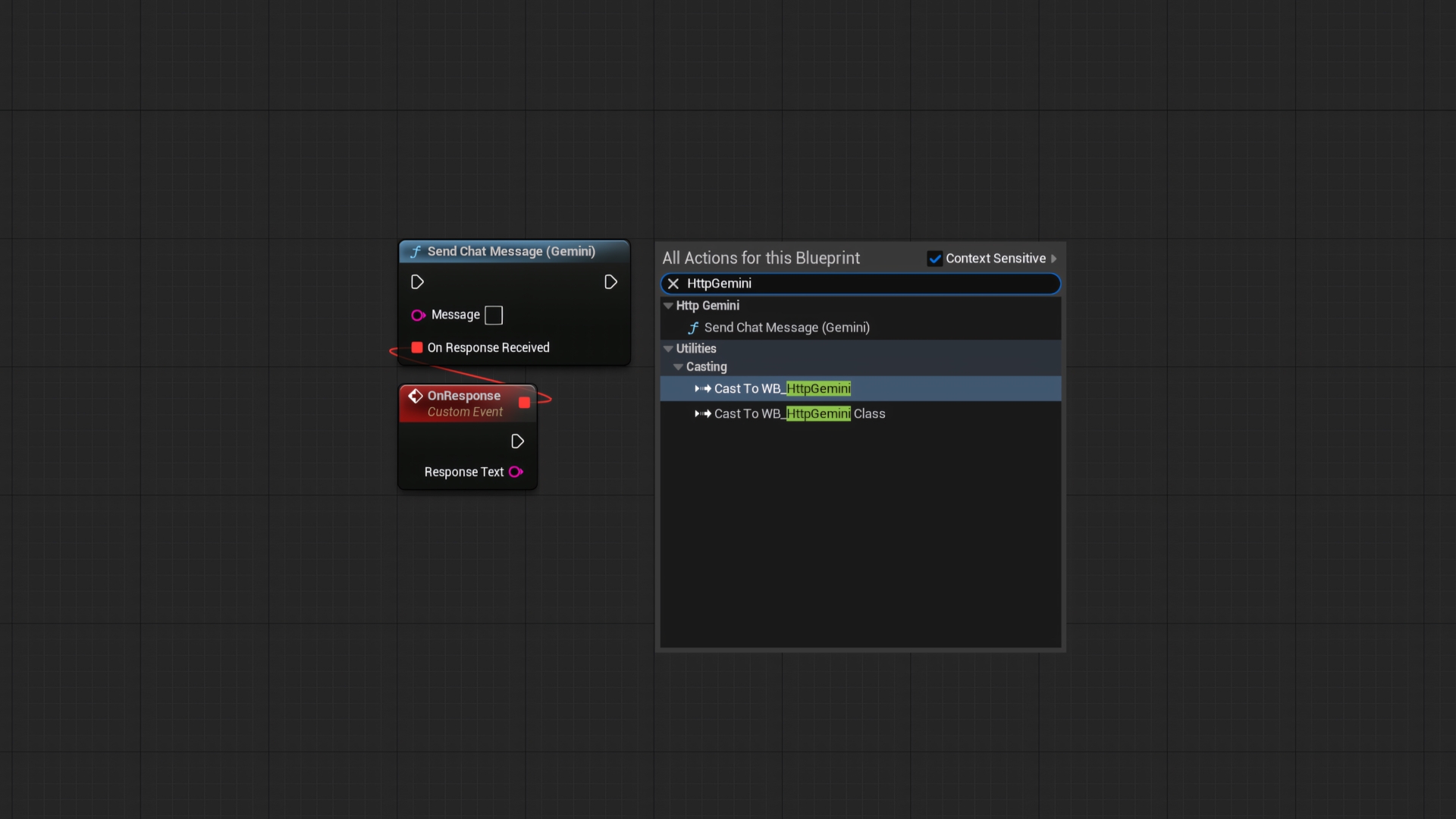
HttpGemini streamlines the entire integration process down to a single Blueprint node. Simply install the plugin, enter your API key in the Project Settings, and use the Send Chat Message (Gemini) node anywhere in your project.
Key Features:
- Effortless Setup: Just enter your API key and you’re ready to go.
- Simple to Use: The entire functionality is exposed through one easy-to-use Blueprint node.
- Asynchronous by Design: API requests are non-blocking and will never cause your game to freeze or drop frames.
- Multi-Platform Support: Fully compatible with Win64 and Android platforms.
- Lightweight & Efficient: Built to have a minimal performance footprint on your project.
Get Started Now
Ready to bring intelligent AI to your project? Here’s everything you need:
- Step 1: Get the Plugin. You can download HttpGemini from the FAB Marketplace today.
- Step 2: Get Your API Key. To use the plugin, you’ll need a free Gemini API key. We’ve created a 1-minute guide to help you get one right now.
- Step 3: Read the Docs. For more detailed information and setup guides, be sure to check out the official documentation.